Cache
Plitho manages Valkey (Redis-compatible) cache instances for your apps.
Cache List
The Cache page shows all your cache instances.
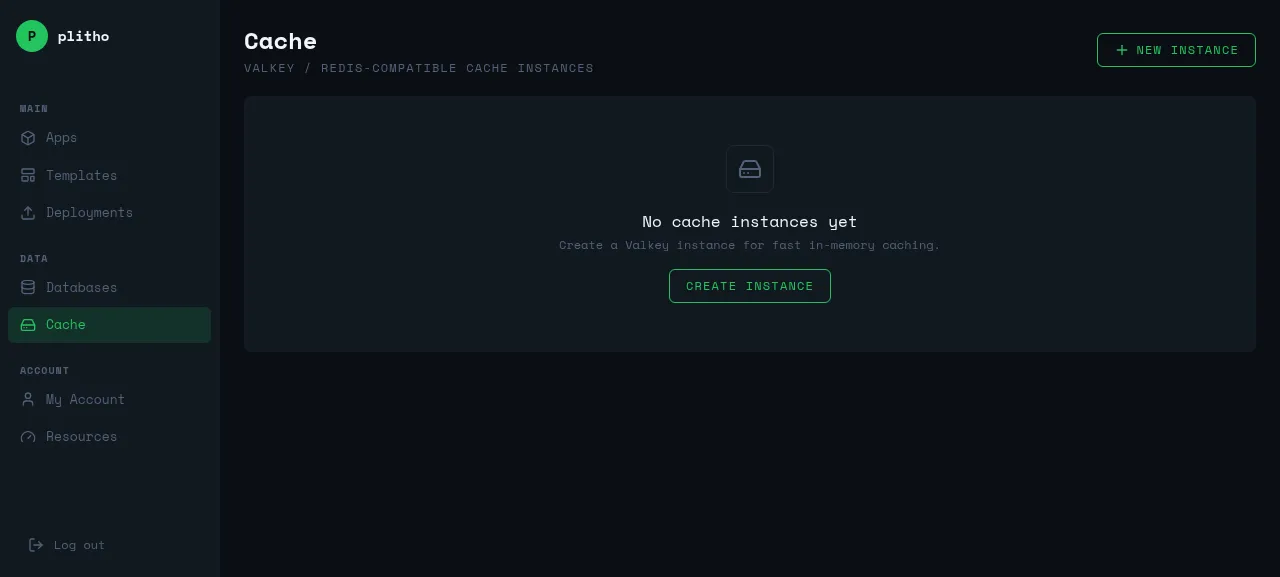
Creating a Cache Instance
- Go to Cache → NEW INSTANCE
- Enter a name
- Click CREATE INSTANCE
Plitho starts a Valkey instance with a generated password.
Connecting to a Cache
Connection String
redis://:password@localhost:6379
From Your App
Add it as an environment variable:
- Go to your app → Environment tab
- Add
REDIS_URLwith the connection string - Restart your app
const Redis = require('ioredis');
const redis = new Redis(process.env.REDIS_URL);

// Cache with TTL
await redis.setex('user:123', 3600, JSON.stringify(userData));

// Retrieve
const user = await redis.get('user:123');
import redis
r = redis.from_url(os.environ['REDIS_URL'])

# Cache with TTL
r.setex('user:123', 3600, json.dumps(user_data))

# Retrieve
user = r.get('user:123')
import "github.com/redis/go-redis/v9"

rdb := redis.NewClient(&redis.Options{
    Addr: os.Getenv("REDIS_URL"),
})

// Cache with TTL
rdb.Set(ctx, "user:123", jsonData, time.Hour)

// Retrieve
val, err := rdb.Get(ctx, "user:123").Result()
From Your Machine
redis-cli -a password -h localhost -p 6379
Viewing Stats
Check cache performance:
- Go to Cache → click on an instance
- View hit rate, memory usage, and connected clients
Managing Cache Instances
| Action | Description |
|---|---|
| Restart | Restarts the Valkey process |
| Reset Password | Generates a new password |
| Delete | Permanently removes the instance |
Common Use Cases
Session storage — Store user sessions with automatic expiry:
await redis.setex(`session:${id}`, 3600, JSON.stringify(data));
API response caching — Cache expensive API calls:
r.setex('api:weather', 300, json.dumps(weather_data))
Rate limiting — Track request counts per user:
const count = await redis.incr(`ratelimit:${userId}`);
if (count === 1) await redis.expire(`ratelimit:${userId}`, 60);
Best Practices
- Use one cache instance per app
- Set appropriate TTL for cached data
- Monitor hit rate — low rates indicate cache misuse
- Store the connection string in environment variables