Deployment
Plitho supports multiple ways to deploy your apps. All methods authenticate via your SSH key — no passwords needed.
Deployment Methods
| Method | Best for | How it works |
|---|---|---|
| SSH Git Push | Source code — Node.js, Python | git push plitho main |
| CLI Deploy | Compiled binaries — Go, Rust, C | plitho deploy --at server -y ./binary |
| Tar Deploy | CI/CD pipelines, custom workflows | Stream a tarball via SSH |
| Template Deploy | One-click app installs | Pre-configured apps from the dashboard |
All methods require your SSH key to be added to Plitho. See SSH Keys for setup.
Choosing a Method
Use Git Push when your app needs Plitho to install dependencies:
- Node.js (
npm installruns on the server) - Python (
pip installruns on the server) - Any runtime where the server needs your source code
Use CLI Deploy when you build locally and just need to send artifacts:
- Go —
go build -o server .then deploy the binary - Rust —
cargo build --releasethen deploy the binary - Static sites —
npm run buildthen deploy thedist/folder - C/C++ — compile locally, deploy the binary
Use Tar Deploy when you need raw control over what gets sent:
- Custom CI/CD pipelines
- Deploying specific files without git
- Scripting and automation
Use Template Deploy when you want a known app running quickly:
- PocketBase, TrailBase, FileBrowser
- No
plitho.ymlneeded
What Happens on Deploy
Regardless of method, Plitho:
- Receives your code or binary
- Reads
plitho.ymlfrom the uploaded files - Installs dependencies (for interpreted languages)
- Runs
releaseandpredeployscripts - Generates nginx config and systemd unit
- Provisions SSL (if domain configured via dashboard)
- Starts the app process
- Runs
postdeployscripts
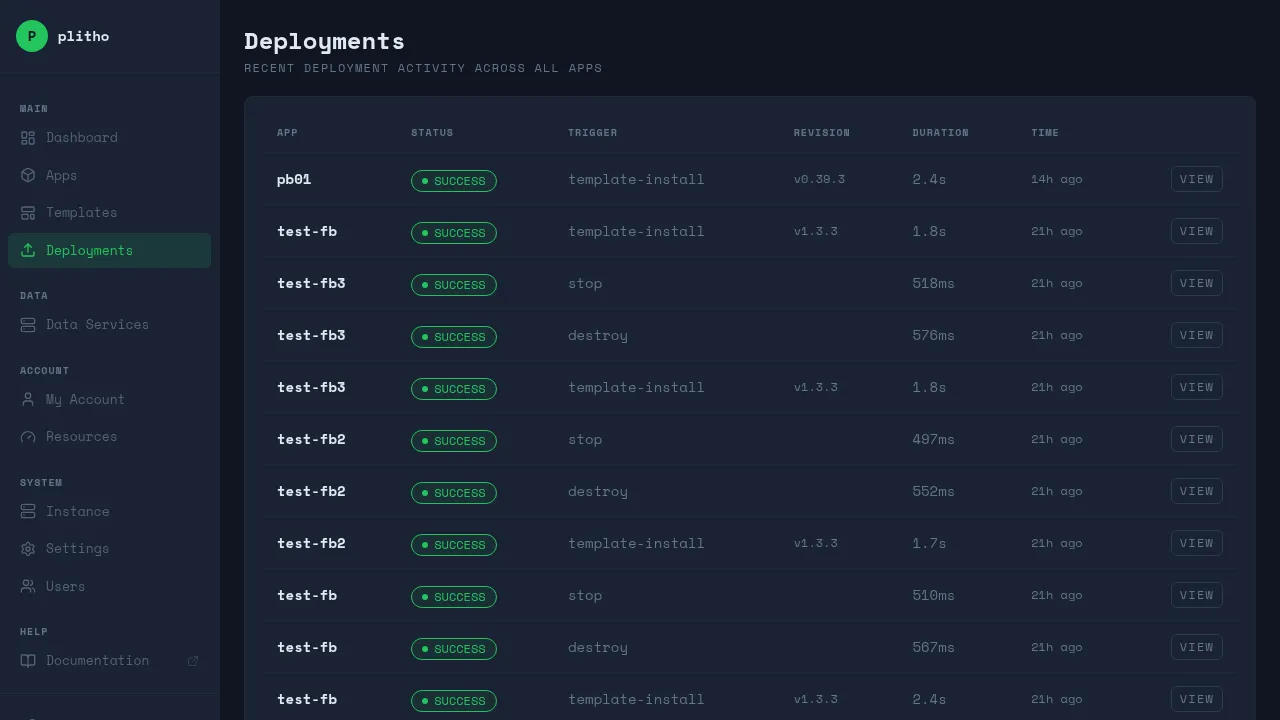
Deploy Lifecycle
The deploy process follows a strict order:
git push / tar deploy / CLI deploy
  │
  ▼
Receive code → Read plitho.yml → Detect runtime
  │
  ▼
Install dependencies (npm install / pip install)
  │
  ▼
Run release scripts
  │
  ▼
Run predeploy scripts
  │
  ▼
Generate systemd units → Start processes
  │
  ▼
Generate nginx config → Provision SSL
  │
  ▼
Run postdeploy scripts
  │
  ▼
App is live
Note
If any step fails, the deploy is aborted. The previous version of the app (if any) continues running.