Resources
Set CPU and memory limits for your apps. This prevents one app from consuming all server resources.
Setting Resource Limits
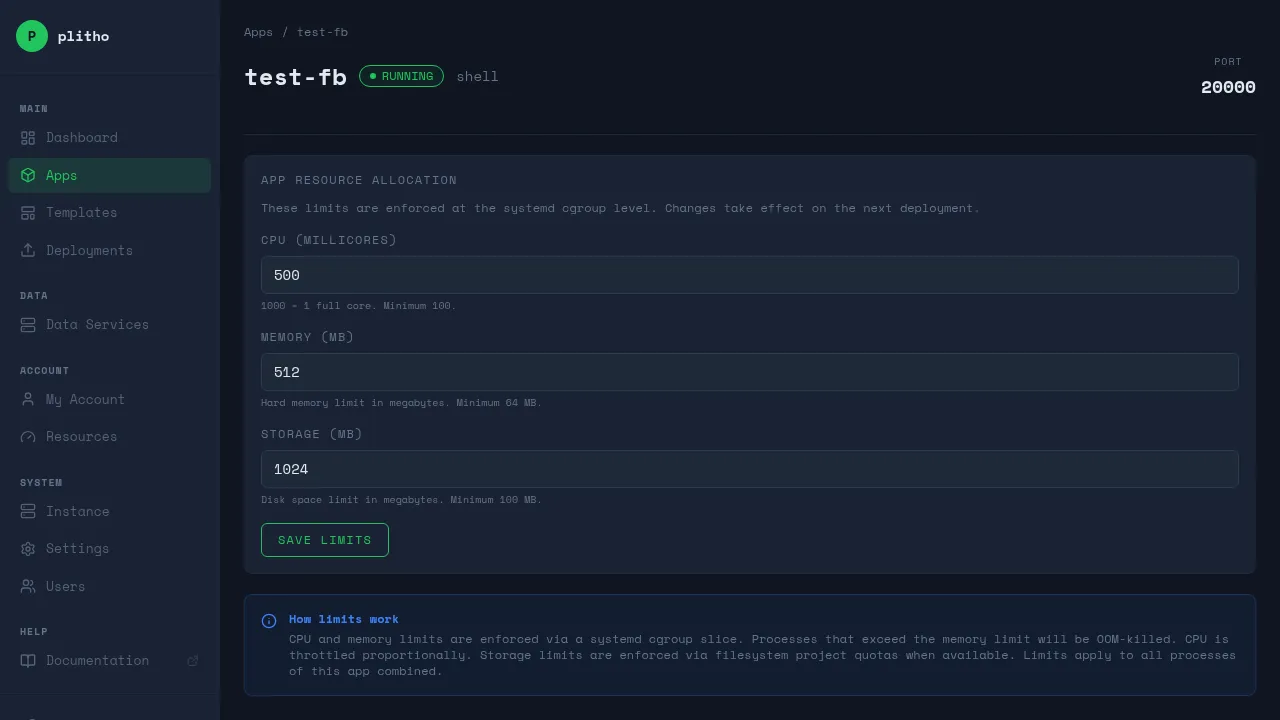
Resource limits are configured through the Plitho dashboard, not plitho.yml.
- Go to Apps → your app → Resources tab
- Set CPU and memory limits
- Save
How Limits Work
| Field | Type | Description |
|---|---|---|
| CPU | millicores | CPU quota (1000m = 1 core, 500m = half core) |
| Memory Max | MB | Hard limit — process is killed if exceeded |
| Memory High | MB | Soft throttle — triggers reclaim before hitting max (set to 80% of max automatically) |
CPU Values
500m— 50% of one core1000m(1 core) — one full core2000m(2 cores) — two cores4000m(4 cores) — four cores
Memory Values
256— 256 MB512— 512 MB1024— 1 GB2048— 2 GB
How Limits Are Enforced
Resource limits use systemd slices:
- CPU:
CPUQuota— the process is throttled when it exceeds the quota - Memory (max):
MemoryMax— the process is killed if it exceeds this - Memory (high):
MemoryHigh— triggers memory reclaim before hitting max (automatically set to 80% of max)
When limits are set, Plitho creates a systemd slice file at /etc/systemd/system/plitho-{app}.slice with the configured limits. Each process unit references this slice.
Viewing Resource Usage
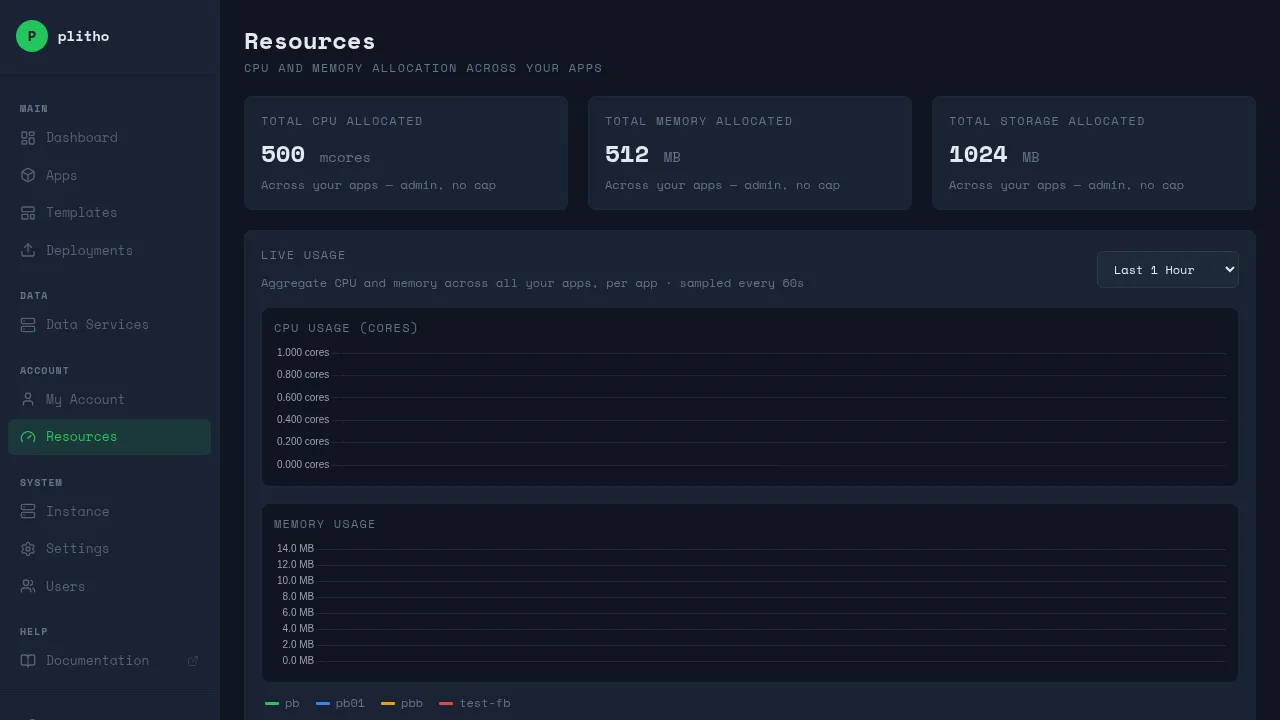
Go to Resources in the dashboard to see:
- Live CPU and memory usage per app
- Historical charts (1 hour to 30 days)
- Per-app allocation table with limits
How Resource Limits Are Calculated
When you set limits for an app, they count against your user quota. Your server administrator sets the total resources available to you. Plitho checks that the sum of all your apps' limits doesn't exceed your quota.
If you try to set limits that exceed your quota, the request is rejected.
Best Practices
- Start conservative (500m CPU, 256MB memory) and increase based on actual usage
- Use
memory_highas a warning threshold — it triggers reclaim before killing - Monitor the Resources page to see actual usage patterns
- Always set limits in production — unlimited resources risk starving other apps
Tip
If you don't set any limits, your app runs with unlimited CPU and memory. Fine for development, not recommended for production.
Note
Resource limits in plitho.yml are ignored for non-admin users. Always set limits through the dashboard.